In this post, I describe my experience with using Amazon WorkMail for my personal email.
Amazon WorkMail is an AWS managed service for your email inbox and calendar needs. It is highly scalable and there is no practical limit to the number of email accounts it can support, but despite being released in 2016, it’s not a particularly significant player in the enterprise email market, which has been quite comfortably dominated by Microsoft Exchange for some time.
WorkMail therefore finds its place in the current market mostly with small organisations and individuals, and is especially valuable to those who make use of other AWS services. If your organisation’s users are authenticated with IAM Identity Center, for example, you can quickly and easily assign an email address to each of them in WorkMail.
Unnecessary CloudWatch metrics included
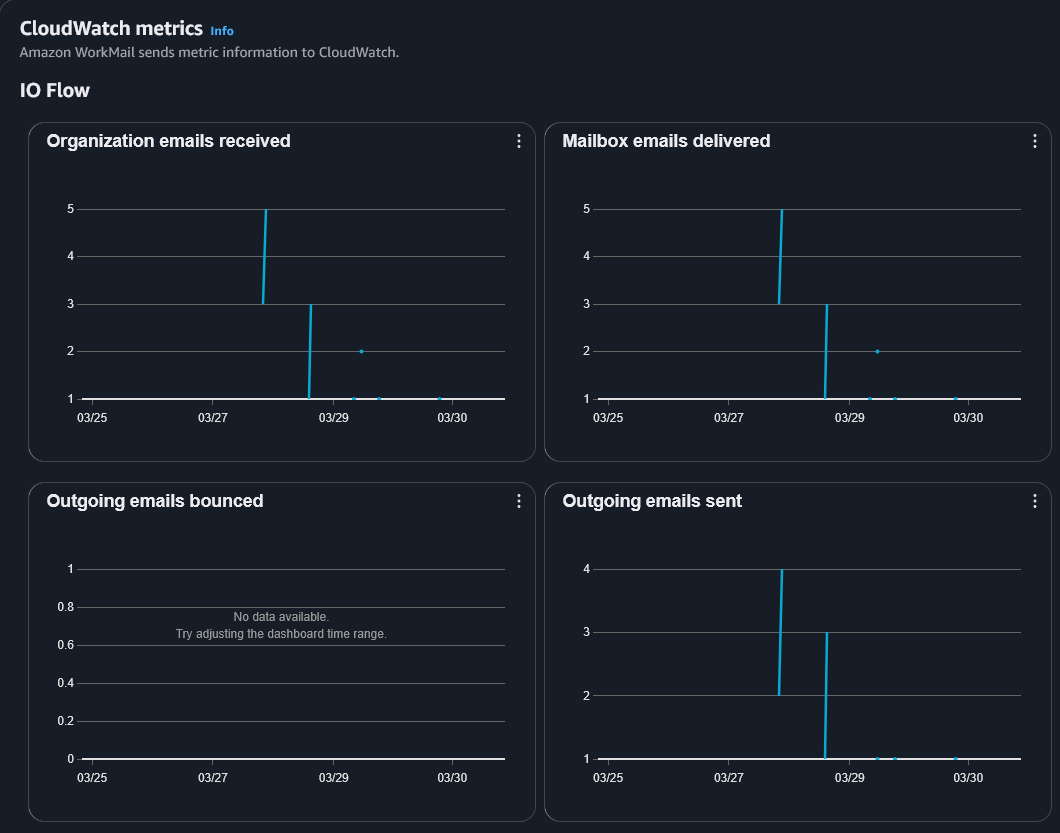
Additionally, for the Business Intelligence visionaries for whom a unit of their business does not exist unless they see a screen full of graphs in a Pantone colour scheme that proves it does, the console includes a dashboard of somewhat purposeless CloudWatch metrics. I suppose you might want to, say, throw a party when you send your 1 millionth email? Or if you’re breaking the AWS ToS and trying to guess email addresses so you can spam people, you could track your lack of success on the ‘Outgoing emails bounced’ chart until you get banned.
But given that WorkMail is a managed service and AWS has a good track record of reliability, your operational need to review these metrics should be minimal.
Domain
If your domain is registered in Route 53 in the same AWS account, WorkMail will create the DNS records needed to validate your ownership of the domain at the click of a button. Domains registered with other domain registrars are also supported
If the functionality of sending and receiving emails is your main concern, WorkMail also offers to get you going with a *.awsapps.com domain out of the box.
Interfaces
Once your WorkMail Organization has been created, users can fetch emails and calendars with IMAP, or log in at a *.awsapps.com URL, in my case:
bergw-xyz.awsapps.com/mail
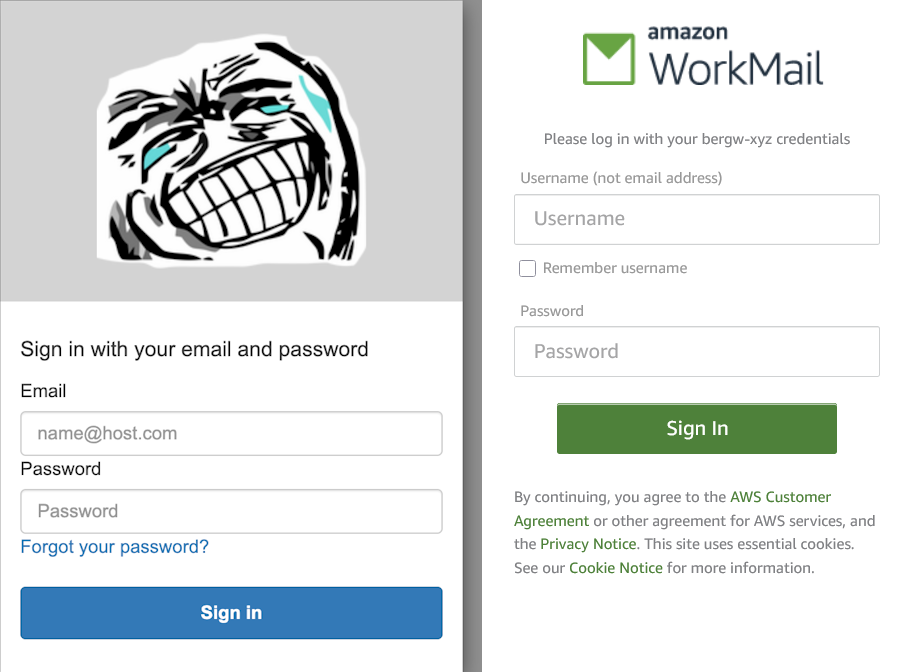
Users are invited to sign in with an interface closely resembling the Cognito default hosted domain feature, though user management does not seem to be based on Cognito in any way. WorkMail does leverage other AWS services, including IIC as mentioned earlier, as well as SES for the actual email handling.
Users
Each user has a configurable storage quota with a maximum of 51200 MB, charged at $4 per month. Sadly, each user is associated to exactly one email address, with no support for wildcard addresses. If I could add one feature to WorkMail, this would probably be it, even if it was just to route all email sent to my domain to a mailbox rather than bouncing it.
A warning about uncommon email domains
My WorkMail email is great for most of the usual stuff. However, I’ve found out that there’s an unfortunate dark side to personal email domains — as much fun as they are, domains not associated with major email providers are abused by spammers and other internet crooks, in order to clog the series of tubes with scams and other unwanted trash.
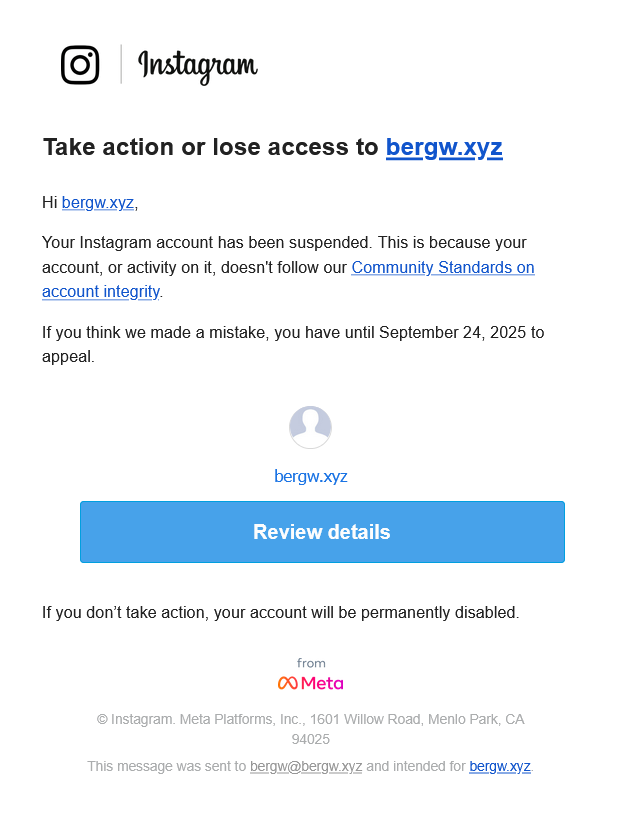
When it comes to signing up for some of the more popular social media sites, it seems that those fighting the good fight against the background noise of the internet will sometimes get creative in their attempts to prevent spammers from even joining their platforms in the first place, much less sliding unwelcome into other users’ DMs. Instagram, it seems, is not currently accepting registrations from email domains it has not seen before. So be prepared — some websites might not be quite as keen on your email address as you are!
Leave a Reply